

Pillow&
Pillow is a powerful and user-friendly Python Imaging Library that simplifies image processing tasks. It allows users to easily import, manipulate, and save images in various formats. With features such as automatic format detection, resizing, rotating, and converting images, Pillow caters to both beginners and experienced programmers. The library’s intuitive workflow revolves around creating Image objects, performing operations, and saving the results efficiently. By leveraging Pillow, developers can enhance their applications with robust image processing capabilities, making it an essential tool for anyone working with images in Python.

Image preprocessing with Pillow
Pillow is an open source library originally written by Fredrik Lundh, which allows to import, open, manipulate images and save them in different formats. With Pillow we can do per-pixel…
📚 Read more at Analytics Vidhya🔎 Find similar documents
Crazy Things You Can Do With the Python Pillow Function
The pillow is the friendly PIL fork by Alex Clark and Contributors. Pillow is a powerful library that provides a wide variety of image-processing features in Python. This article describes the top…
📚 Read more at Level Up Coding🔎 Find similar documents
Image Processing In Python Using Pillow
Image processing is a vital aspect of computer vision and digital photography, allowing us to manipulate and enhance images for various purposes. Python, with its extensive libraries, provides powerfu...
📚 Read more at The Pythoneers🔎 Find similar documents
An Introduction to Image Manipulation in Python with Pillow
Pillow describes itself as “the friendly PIL fork”, PIL being the now-defunct Python Imaging Library. Fortunately Pillow is still very much alive and provides comprehensive image editing…
📚 Read more at Python in Plain English🔎 Find similar documents

Master Image Processing in Python with Pillow
Pillow Library For Image Processing in Python Welcome to the world of image processing in Python! As a new programmer, you’ll be delighted to discover the power and simplicity of the Python Imaging Li...
📚 Read more at Level Up Coding🔎 Find similar documents
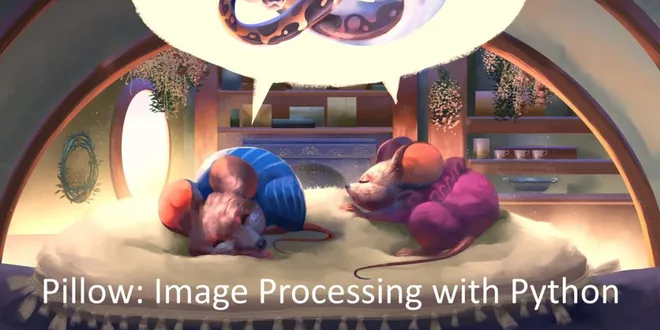
Pillow: Image Processing with Python Available for Pre-order
Pillow: Image Processing with Python is my latest book on Python. It is now available for pre-order. What that means is that you can purchase an early version of the book and get all the updates to it...
📚 Read more at Mouse Vs Python🔎 Find similar documents

An Overview of Image Processing with Python and Pillow (Video)
Learn how to edit and enhance photos using Pillow and the Python programming language. What you'll learn in this video: Opening Images Extracting Image Information (EXIF) Cropping Rotating Image Enhan...
📚 Read more at Mouse Vs Python🔎 Find similar documents
Pillow: Image Processing with Python Book Sample
The Kickstarter for my latest book, Pillow: Image Processing with Python, was fully funded yesterday. I know it can be hard to decide if you want to buy a book without seeing it, so I am posting the f...
📚 Read more at Mouse Vs Python🔎 Find similar documents
Image Processing With Python and Pillow
Learn how to process and transform images using Python and the Pillow library Continue reading on Better Programming
📚 Read more at Better Programming🔎 Find similar documents
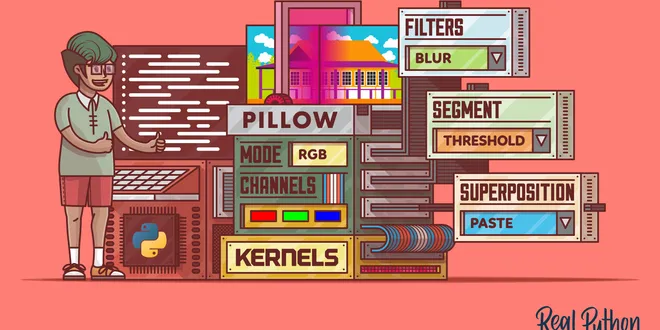
Image Processing With the Python Pillow Library
In this step-by-step tutorial, you'll learn how to use the Python Pillow library to deal with images and perform image processing. You'll also explore using NumPy for further processing, including to ...
📚 Read more at Real Python🔎 Find similar documents

How to Load and Manipulate Images for Deep Learning in Python With PIL/Pillow
Last Updated on September 12, 2019 Before you can develop predictive models for image data, you must learn how to load and manipulate images and photographs. The most popular and de facto standard lib...
📚 Read more at Machine Learning Mastery🔎 Find similar documents

Create a custom-shape mask with Python & Pillow
As with many other things, Python is pretty good for programmatic image editing. This is in large part thanks to the Pillow library. Creating an image from scratch to paste a couple layers on top, or…...
📚 Read more at Level Up Coding🔎 Find similar documents